Axis Direct Trader App
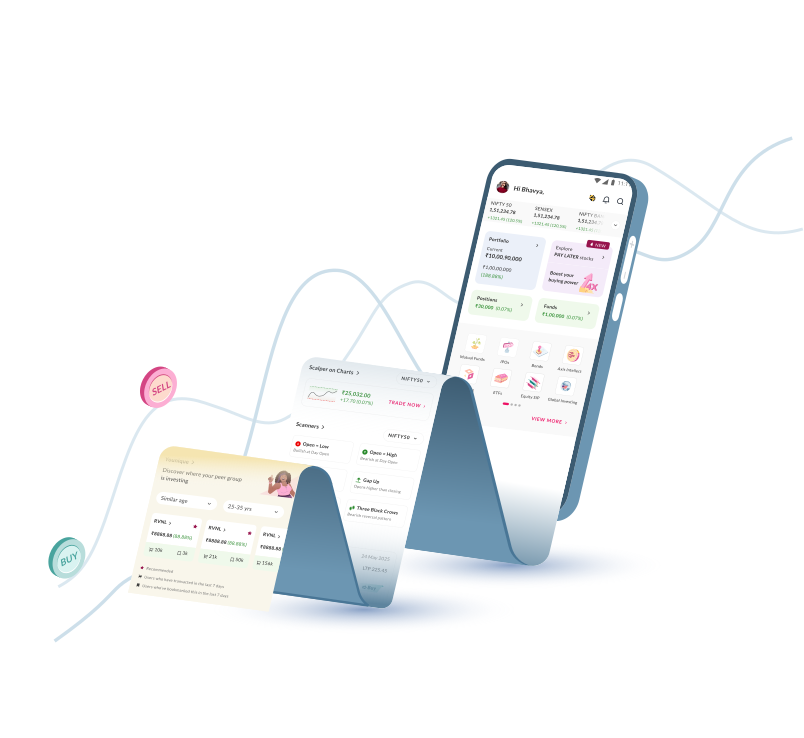
Unlock powerful analytical tools with a seamless trading experience, so you’re always ready to act

Axis Direct Trader App
Unlock powerful analytical tools with a seamless trading experience, so you’re always ready to act


Open your account
Empower yourself with cutting-edge tools, expert insights, and unrivaled features.
Trading Options







Key Features
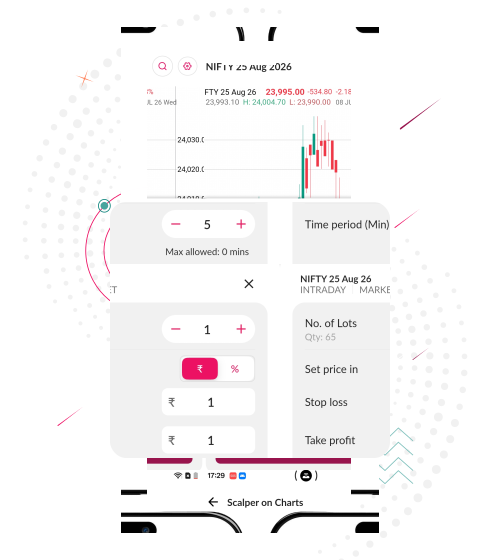
Scalper on Charts
The chart is where every trading decision begins. Now, it's where every trade can begin too. Discover a smarter way to trade directly from live charts.
Know MoreExperience the Future of Investing
Take a closer look at how our app brings it all together. Watch the release video and experience the ease and efficiency of investing like never before.
FAQ
What can we help you find?
Installing the app on your preferred device is easy. Just click on the below link to get started.
Yes, the app is available on both types of devices.
Opening an account is quick, simple, and 100% digital with the Axis Direct Trader App. Just enter your PAN, Aadhaar, and basic details, upload the required documents, complete eKYC via DigiLocker/eSign, and your account will be activated once verified — all within minutes!
Below is the list of documents you will need to open a digital account :
- Identity Proof - PAN card
- Address proof - Aadhaar card, Passport, Driving License or Voter ID
- Signature on a White Paper
- Nominee's proof of identity
- Cancelled cheque if bank verification fails
- Optionally, income proof if opting for derivatives activation.
All fields and document uploads are arranged within the registration journey.
The entire process for digitally opening your demat account generally takes less than 30 minutes, and transacting will take a minimum of T+2 days, subject to regulatory approvals.
Log in to the app and use the Search button at the top right to look for your desired stock. Select "Buy" or "Sell," input the quantity and price details, and tap on the button at the bottom of the screen to place your order.
Commodities trading is currently work-in-progress on the app. Once it is live, you will be notified about the same. Meanwhile, you can trade commodities seamlessly via the Axis Direct website.
ETFs (Exchange Traded Funds) are baskets of securities designed to track a specific index, sector, or theme. On the app, you can invest in ETFs just like you would invest in a stock. The app also offers expert recommendations, performance charts, and insights to guide your ETF investments.
Applying for IPOs is effortless!
- In the dashboard, click on IPOs.
- From the 'Open' section, select the IPO you want to invest in by clicking on 'Apply Now'. On the next screen, fill in the required details (no. of lots, price).
- When done, click on 'Proceed To Pay', choose the payment option & hit confirm.
Once the application is made, you can track it's status directly in the app.
E-Margin is a feature which allows you to build larger positions by borrowing against your holdings or using the margin facility offered by Axis Direct.
The Axis Direct Trader App gives you complete flexibility with multiple order types:
- Market Orders – Buy/Sell instantly at the best available price.
- Limit Orders – Set your own price and wait for execution.
- Stop-Loss Orders – Protect profits or minimize losses automatically.
- Cover Orders – Place a buy/sell order along with an in-built stop-loss to limit your risk instantly.
- GTD (Good Till Date) – An order that stays active until executed or until the specified validity date, whichever comes first.
- IOC (Immediate or Cancel) – It executes all or part of your order immediately, and cancels the rest.
Adding funds is quick and seamless:
- For 3-in-1 Accounts → Go to Funds → Add Funds → Enter amount → Confirm. Funds are credited instantly.
- For 2-in-1 Accounts → Go to Funds → Select Payment Gateway (Razorpay/Billdesk) → Add Funds → Choose payment mode (Net Banking / UPI / NEFT / RTGS) → Enter amount → Confirm. Again, funds typically reflect instantly.
On the dashboard, click on the "Funds" section which shows your current available balance. Then, click on the "Withdraw Funds" option at the top right. On the following page, you will see the amount available to withdraw. In the field "Enter amount to release", type in the amount you want to withdraw and hit the "Release" button at the bottom. This will successfully complete the withdrawal process.